CCTV & IP Cameras
IP cameras, surveillance cameras, recorders, storage-related components and accessories for business monitoring and security projects.
Fourteck Tanzania helps organisations source technology for offices, branches, meeting rooms, networks, security systems and growing IT environments. Our shop focuses on practical business categories including CCTV and IP cameras, network switches, wireless access points, firewalls, IP phones, IP PBX hardware, conferencing equipment, servers, laptops, desktops, access-control products, TVs, displays and supporting infrastructure.
Technology shopping becomes difficult when products look similar on paper but are designed for very different environments. Two network switches may both have twenty-four ports, yet one may provide the Power over Ethernet capacity needed for cameras and access points while the other may not. Two firewalls may both support the same internet connection speed, yet their performance can change when advanced inspection, VPN or filtering services are enabled. Two cameras may both advertise high resolution but deliver different results depending on lens, lighting and scene distance.
For this reason, Fourteck Tanzania encourages buyers to define the job before choosing the product. A useful purchase decision considers the number of users, the number of devices, the type of application, the physical location, the expected growth and the systems that already exist. This reduces the risk of buying equipment that is technically impressive but operationally unsuitable.
Our shop page is organised by technology category and buyer intent. You can browse the main product families, understand what each category is used for, and identify the questions worth answering before requesting a quotation or confirming a model. This structure is especially useful for organisations planning more than one system because network, security, voice, video and computing products often depend on the same infrastructure.
Browse the main equipment groups Fourteck Tanzania supports for organisations in Tanzania.
IP cameras, surveillance cameras, recorders, storage-related components and accessories for business monitoring and security projects.
Managed and unmanaged switches, PoE-capable switching, uplink options and network devices for office and branch connectivity.
Business Wi-Fi access points and related network hardware for offices, meeting areas, hospitality, education and operational spaces.
Firewall platforms for internet security, segmentation, remote access, VPN and business network protection.
IP handsets, business phone-system hardware and communication devices for extensions, reception and branch calling.
Cameras, room systems, displays, microphones and collaboration devices for hybrid meetings and boardrooms.
Conference speakerphones, microphones and meeting-room audio equipment for clear voice pickup and remote participation.
Server hardware and related infrastructure for applications, storage, virtualisation, file services and business workloads.
Business endpoints for office users, mobile staff, finance teams, professional workloads and standardised deployments.
Controllers, readers, credentials and supporting components for controlled entry and restricted business areas.
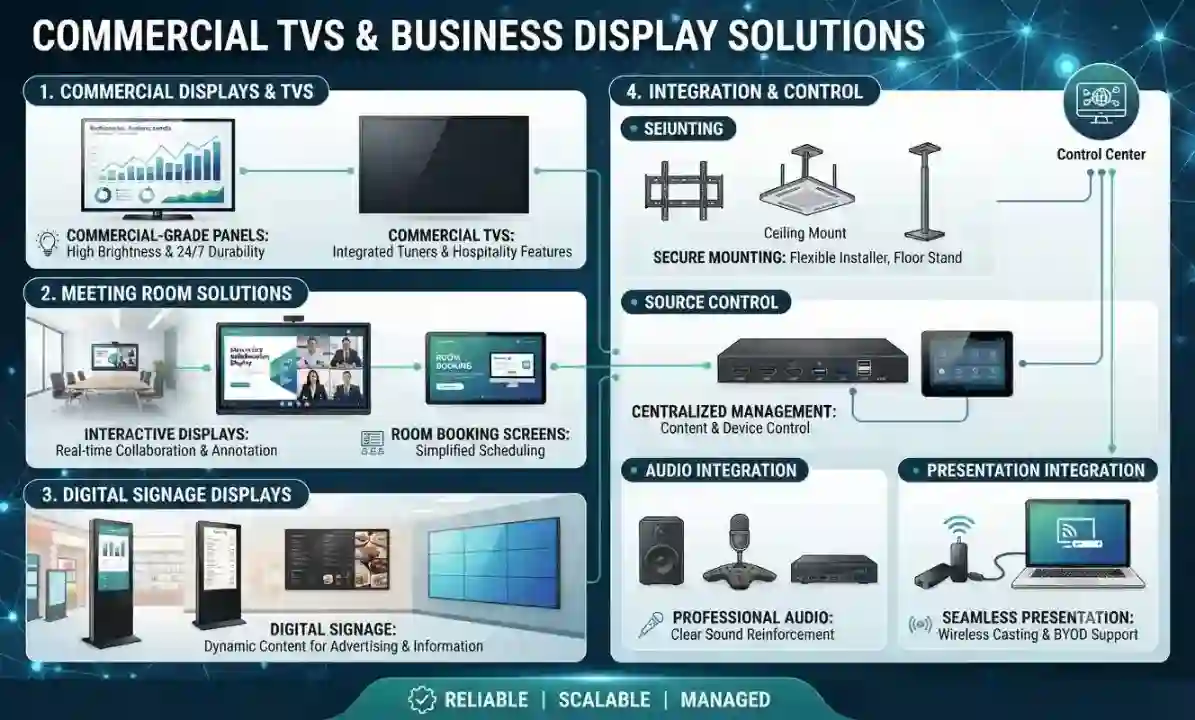
Business displays for meeting rooms, CCTV monitoring, dashboards, reception areas and operational information.
Supporting infrastructure including racks, patching, cabling and accessories required by network and security systems.
Network and security products are closely linked. A PoE switch may power access points, IP phones and cameras. The firewall may separate guest Wi-Fi from internal users and surveillance devices. Wireless access points depend on switch capacity and cabling. CCTV recorders and cameras depend on the same network for video traffic. Buying any one of these categories without considering the others can create capacity or compatibility problems.
When choosing a network switch, buyers should check port quantity, PoE requirements, total PoE budget, uplink speed, VLAN support and management features. When choosing access points, the number of users, building layout, wall materials and application demand matter more than simply choosing the highest wireless speed. Firewall selection should consider internet bandwidth, VPN use, enabled security services and the number of users or sites.
CCTV purchases also benefit from network-aware planning. Higher-resolution cameras generate more data, which affects both storage and bandwidth. Cameras may require PoE, and remote viewing should be secured. For larger systems, the recording platform and network design should be considered together.
Business endpoints should be matched to the work employees actually perform. A standard office user may need reliable performance for productivity applications, web systems and video calls. A finance user may benefit from additional memory. A design or engineering role may require more graphics capability. Mobile staff may prioritise battery life, portability and docking options.
Servers require even more careful workload definition. Storage capacity, memory, processor performance, backup, virtualisation and resilience should all be linked to the applications the server will host. A file server, application server, virtualisation host and video-recording server have different requirements.
IP phones and conferencing equipment should also be linked to user roles and room behaviour. Receptionists may need more programmable keys, while standard users may need simpler handsets. Boardrooms may require wider camera framing and broader microphone pickup than small meeting rooms. Displays should be sized according to viewing distance and content.
Confirm that the product works with your existing network, platform, cabling, phone system, recorder, server or management environment.
Check whether the product supports the users, devices, cameras, calls, storage or wireless clients expected during its useful life.
Identify power, PoE, rack space, cabling, internet bandwidth, mounting and cooling requirements before ordering.
Understand how administrators will configure, monitor and update the system after deployment.
Consider licences, subscriptions, warranties, firmware, expansion and expected replacement cycles.
CCTV and IP cameras: Start with the scene and the level of detail you need. A camera selected for a wide warehouse overview has a different job from a camera used to identify a person at a controlled entrance. Check lens type, mounting position, lighting, night-time conditions, recording resolution, retention period and storage. Confirm whether the camera requires PoE and whether the existing switch has enough power capacity.
Network switches: Count the devices that need wired connections today, then include realistic growth. Identify which devices require PoE and check the total PoE power budget rather than only the number of PoE ports. Review uplink speed, management, VLAN support and rack requirements.
Wireless access points: Avoid choosing Wi-Fi equipment only by advertised speed. Building materials, floor layout, user density, client-device capability and interference affect real performance. Confirm wired backhaul, PoE, central management needs and whether guest and employee traffic must be separated.
Firewalls: Match the firewall to the internet connection, number of users, VPN requirements and security features that will actually be enabled. Advanced inspection and filtering can reduce usable throughput compared with raw firewall figures.
IP phones and IP PBX: Define the number of extensions, reception requirements, call groups, queues, remote users and branch locations. Confirm whether the switch provides PoE and whether voice traffic will use a dedicated VLAN.
Servers: Start with the workload. Identify the applications, expected users, storage volume, backup needs and growth rate. Consider whether the server will host virtual machines, file services, databases or surveillance recording.
Laptops and desktops: Define user profiles rather than buying one specification blindly. General office users, finance teams, designers, mobile employees and power users can have different needs.
Displays and conferencing: Consider viewing distance, screen size, camera position, microphone coverage and the conferencing platform. The meeting experience should be planned as one system rather than several independent products.
Access control: Door construction, lock type, user count, credential method, schedules, emergency release and event reporting should be confirmed before ordering.
Racks, cabling and accessories: Check cable distance, patching, rack depth, power distribution, mounting accessories and space for future devices. Supporting components are easy to overlook but often determine whether installation goes smoothly.
Final purchasing check: Before confirming an order, verify the exact quantity, model, included accessories, power requirements, mounting needs, licensing terms, warranty conditions and delivery scope. For products that depend on an existing system, confirm firmware, platform and interface compatibility. For products that will be expanded later, identify the practical limit of the current design and what additional hardware may be needed at the next growth stage. This final review helps prevent small omissions from becoming installation delays and gives procurement teams a clearer record of what has been approved.
Provide the quantity, intended use, existing environment and any preferred specification. We can help narrow the options and identify the supporting requirements that should be considered before purchase.
Showing 1–12 of 1303 results